
What Makes a Good Explainer Video Work?
 Mark Parent : July 27, 2026, 9:08:24 AM EDT
Learn what makes a good explainer video: clear messaging, audience insight, purposeful visuals, and a conversion plan that supports real business...
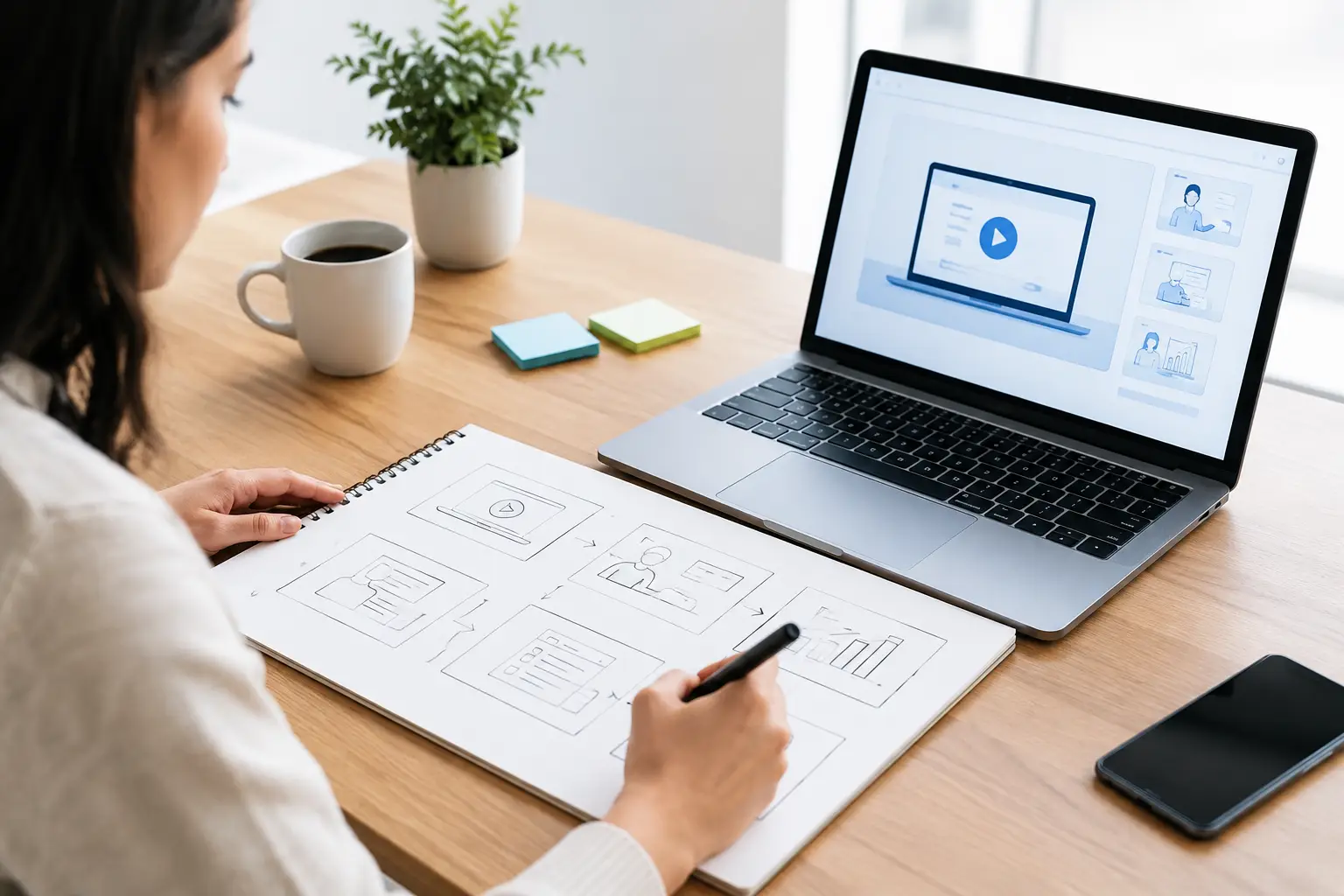
A product demo can lose a qualified buyer before the product ever appears on screen. The usual culprit is not production quality. It is a video that starts with features, tries to show everything, and never makes a clear case for why the viewer should care. Learning how to storyboard product demos gives your team a practical way to prevent that problem before a camera rolls or a screen recording begins.
For B2B companies, manufacturers, and organizations with complex services, a storyboard is more than a creative document. It is a sales enablement plan. It aligns marketing, sales, product experts, and video production around one buyer problem, one promised outcome, and one logical path to action.
Do not begin by listing product features. Begin by deciding where this demo belongs in the buyer journey and what decision it needs to support.
A short website demo may need to earn a second conversation by showing a prospect that your solution understands a familiar operational problem. A sales demo sent after discovery may need to validate a specific use case. A longer onboarding demo may need to reduce support tickets by helping new customers complete a task correctly.
Those are different jobs, which means they require different stories. Trying to make one video serve every audience often creates a generic demo that does not move anyone forward.
Before storyboarding, document four decisions in a short creative brief:
Who is the primary viewer, including their role and level of product knowledge?
What problem or friction point do they recognize today?
What outcome should they believe is possible after watching?
What action should they take next?
For example, a manufacturer selling automated inspection equipment should not open with a broad equipment overview. If the audience is a plant operations leader, the demo may instead focus on how the system identifies defects earlier, reduces manual rework, and gives supervisors clearer production data. The equipment matters, but the operational outcome gives it meaning.
The strongest demos answer questions in the order buyers naturally ask them. Storyboarding lets you organize those answers before details, stakeholders, and feature requests turn the video into a product tour.
A useful sequence is: identify the problem, establish the stakes, introduce the better way, show the product in context, prove the result, and direct the next step. This structure works because it makes the product the answer to a real business issue rather than the subject of a technical presentation.
Your first 10 to 15 seconds should create immediate relevance. Show the frustrating moment, costly inefficiency, or missed opportunity your audience already knows. Use the language they use internally, not a marketing slogan.
For a software platform, that may be a sales manager switching between disconnected systems to find the status of a deal. For an industrial product, it may be an operator pausing a line to inspect a part manually. For a nonprofit, it could be staff spending hours reconciling donor data before a campaign deadline.
The point is not to dramatize the problem. It is to establish that the video understands the viewer's reality.
Once the problem is clear, show what changes. Keep the promise specific enough to be credible: fewer handoffs, faster response times, more accurate reporting, less rework, or clearer visibility into operations.
This is where many demos go wrong. They introduce a dashboard, machine, or service menu before explaining why the viewer should pay attention. Your storyboard should make the desired business result visible first, then use the product to demonstrate how that result happens.
Each storyboard frame should cover one meaningful step in the workflow. Include three pieces of information: what appears on screen, what the narration or on-screen copy says, and why this moment matters to the buyer.
For example:
The table is not the storyboard itself. It is a simple model for the level of clarity your team needs. A production-ready storyboard may also include shot numbers, voiceover copy, graphic notes, screen recordings, timing, and approval status.
Avoid treating every feature as equally important. If a capability does not support the primary outcome, save it for another demo, a follow-up video, or a live sales conversation. Focus makes a demo easier to watch and easier for sales teams to use.
There is no single ideal product demo length. It depends on the buyer's intent, the complexity of the offering, and where the video will be used.
A 60- to 90-second overview works well for a homepage, paid campaign, or early-stage nurture sequence. Its job is to create understanding and momentum, not answer every technical question. A three- to five-minute use-case demo can work well after a discovery call, especially when sales has identified a specific pain point. Detailed implementation or training content may run longer because the audience already has a reason to stay engaged.
Your storyboard should reflect that context. A top-of-funnel demo needs fewer screens, simpler language, and a broader outcome. A late-stage demo can spend more time on integrations, configuration options, reporting logic, or proof points that address a buyer's objections.
Product demos often combine screen recordings, live action, product footage, animation, graphics, and customer evidence. Use each format because it makes an idea easier to understand.
Screen recordings are useful when the interface itself is the proof. Live footage is often more effective when the product operates in a physical environment or when people and process matter as much as the technology. Animation can simplify an invisible process, such as how data moves between systems. Customer quotes, outcome data, or before-and-after comparisons can provide credibility when claims need support.
A good storyboard identifies the visual purpose of every scene. If a screen recording is crowded, decide where the viewer should look and use cursor movement, zooms, callouts, or edits to guide attention. If a product feature requires too much explanation to understand in a few seconds, that may signal a need for a separate use-case video rather than more narration.
Also plan for accessibility early. Include captions, leave room for readable on-screen text, and avoid relying on color alone to communicate meaning. These choices improve comprehension for every viewer, not only those using accessibility features.
A storyboard is where you resolve strategic disagreements cheaply. It is much faster to revise a sentence, rearrange a scene, or remove an unnecessary feature on paper than after filming, editing, and recording voiceover.
Bring the right people into review at the right moment. Marketing should protect audience focus and brand consistency. Sales should confirm the demo addresses real buyer questions. Product or operations experts should validate technical accuracy. Leadership should approve claims, priorities, and the intended call to action.
Ask reviewers to react to specific questions rather than offering vague feedback:
Does this opening reflect the problem prospects describe?
Does each scene earn its place?
Are we making claims we can prove?
Would a sales rep know when to send this video?
This approach keeps feedback tied to business outcomes instead of personal preferences about wording or visuals.
The final frame should not simply display a logo and a generic invitation to learn more. Tell the viewer what to do next based on the purpose of the demo.
An early-stage audience may be ready to watch a related use-case video or request a conversation. A prospect evaluating options may need a tailored walkthrough, pricing discussion, or technical consultation. Existing customers may need a setup guide, training resource, or support path.
The call to action should feel like the natural continuation of the story. If the demo promises better pipeline visibility, invite the viewer to discuss how that visibility would work in their current process. If it shows a manufacturing workflow, offer a review of the production challenge it addresses.
A polished video is not automatically an effective demo. Track performance according to its role in the journey. For website and campaign videos, watch engagement rate, completion rate, clicks, and conversion actions. For sales enablement videos, look at whether prospects watch, what happens after viewing, and whether the asset helps shorten stalled conversations. For customer education, measure adoption, support volume, and recurring questions.
Use those insights to improve the next storyboard. If viewers leave before the product appears, the opening may not be relevant enough. If they watch but do not act, the promised outcome or call to action may be unclear. If sales avoids using the video, it may not match how real conversations unfold.
The best product demos do not attempt to show everything your company does. They show the right buyer that you understand one important problem and can help solve it. A disciplined storyboard gives that story a clear shape, protects it from unnecessary complexity, and turns video production into an asset that supports measurable growth.
Not sure how to get started with creating a product demo video that converts? Inbound 281 can help with the full video production process. From initial concept and scripting to final edits and distribution, we step in alongside your team to create a video that's authentic to your brand and voice. Set up a discovery call with the Inbound 281 team today to discuss next steps and what video could do for your brand.
 Mark Parent : July 27, 2026, 9:08:24 AM EDT
Learn what makes a good explainer video: clear messaging, audience insight, purposeful visuals, and a conversion plan that supports real business...
 Mark Parent : September 10, 2026, 9:32:00 AM EDT
B2B video production guide for teams that need clearer messaging, stronger sales conversations, and measurable pipeline growth from every asset at...

 Inbound 281 : December 30, 2025, 9:57:00 AM EST
Discover powerful video marketing tools that can help you create, edit, and promote videos with ease—perfect for getting started and scaling your...