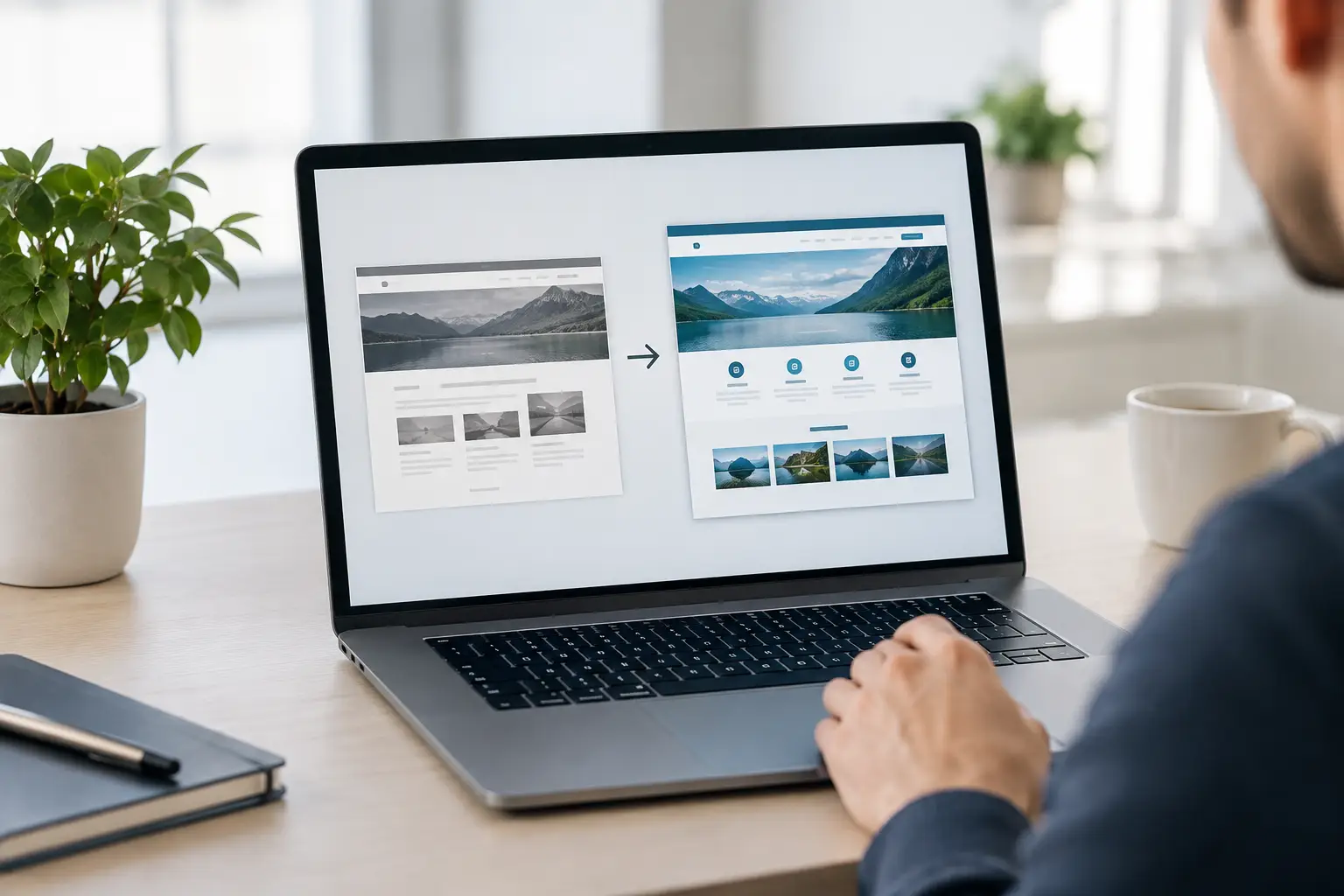
A prospect has visited your website twice, reviewed a service page, and forwarded it to a colleague. Then they leave without submitting a form. That is not always a traffic problem. More often, it is a clarity problem: the website did not answer the questions that matter to a committee making a high-consideration purchase.
B2B website development is not just a design project or a technical refresh. It is the work of turning your positioning, sales process, expertise, and customer proof into a useful buying experience. For manufacturers, professional service firms, nonprofits, and other growth-focused organizations, the site should help visitors understand what you do, why it matters, and what to do next.
Why B2B Website Development Requires a Different Approach
A consumer website can often drive action with price, convenience, or impulse. B2B buyers usually need more. They are evaluating risk, comparing capabilities, building internal consensus, and looking for evidence that a vendor can deliver. A single decision may involve an end user, a technical evaluator, a finance leader, and an executive sponsor, each with a different concern.
That makes vague messaging expensive. If a visitor cannot quickly tell whether you serve their industry, solve their problem, or fit their operating environment, they may not ask for a meeting. They may simply move on to a competitor whose website makes the decision feel easier.
The strongest B2B sites do not try to tell the whole company story on every page. They organize information around buyer intent. A first-time visitor may need a plain-language explanation of the problem. A returning prospect may need case studies, process details, specifications, or answers to implementation questions. Your website needs to support both without becoming a maze of pages and menus.
Start With the Buying Process, Not the Sitemap
Before discussing page templates or visual direction, map how prospects become customers. Review sales calls, lost-deal notes, customer interviews, support questions, and the objections your team hears repeatedly. This research reveals the information your site needs to provide before a buyer is ready to talk.
For example, a custom manufacturer may find that prospects want to know about tolerances, production capacity, quality controls, lead times, and engineering collaboration. A service provider may need to establish its approach, scope boundaries, onboarding process, and expected business outcomes. Those details should not be buried in a PDF or saved exclusively for a sales conversation. They belong in the buyer journey.
This step also prevents a common mistake: building the site around your internal departments. Buyers do not arrive looking for your organizational chart. They arrive with a challenge, a goal, or a job to complete. Navigation and page structure should reflect those needs.
Define the Job for Every Core Page
Each page should have a clear role. A service page can explain a capability and qualify the right fit. An industry page can show relevant experience and language. A case study can reduce perceived risk with proof. A resource page can help early-stage visitors understand a complex issue while giving your team a reason to follow up.
When every page has a job, calls to action become more useful. Not every visitor needs a "Contact Us" button. Someone researching an unfamiliar solution may respond better to a guide, a comparison checklist, a project gallery, or a short consultation focused on their specific issue. The right conversion point depends on purchase complexity and traffic quality.
Build Clarity Before Visual Polish
A modern look can improve credibility, but it cannot compensate for unclear positioning. Homepage copy should quickly explain who you help, what outcome you create, and what makes your approach credible. Avoid broad claims such as "innovative solutions" unless the next sentence proves what that means in practical terms.
For a B2B organization, clarity often means translating internal language into buyer language. Your team may talk about proprietary processes, technical features, or service tiers. Buyers care about how those things affect speed, cost, compliance, quality, uptime, growth, or workload.
Video can be especially effective here. A brief facility tour, product demonstration, customer story, or expert explanation can make a complex offering easier to understand than paragraphs alone. The goal is not video for its own sake. It is to shorten the distance between "I do not fully understand this" and "I can see how this applies to us."
Connect the Website to Sales and Marketing Operations
A website should create context, not just form submissions. When it is connected to your CRM and marketing automation platform, your team can see what a lead viewed, which conversion path they used, and whether they match your ideal customer profile. That information helps sales teams begin better conversations and helps marketing improve the pages that influence pipeline.
HubSpot is often a strong fit for organizations that want their website, forms, campaigns, lifecycle stages, reporting, and sales activity working from the same source of truth. But the platform alone does not fix disconnected processes. Teams still need clear definitions for qualified leads, routing rules, follow-up expectations, and reporting ownership.
A practical setup should account for four connected needs:
-
Forms that ask for enough information to qualify interest without creating unnecessary friction.
-
CRM properties and lifecycle stages that reflect how your team actually sells.
-
Automated follow-up that delivers useful next steps and alerts the right owner.
-
Reporting that connects website activity to meetings, opportunities, and revenue rather than vanity metrics alone.
The right level of complexity depends on your sales motion. A business with a short sales cycle may prioritize fast response and simple forms. An organization selling enterprise projects may need account-based insights, lead scoring, content nurturing, and detailed attribution. Start with the process your team can consistently manage, then expand as performance data justifies it.
Design for Trust, Accessibility, and Speed
Visitors make credibility judgments quickly, especially when they are comparing several vendors. Outdated visuals, confusing navigation, weak mobile performance, and generic stock imagery can create doubt before a prospect reads the details. Good design supports the message by making it easy to find, scan, and believe.
Trust is built through specifics. Show the people behind the work, explain how projects are delivered, include meaningful customer outcomes, and make certifications or compliance information easy to locate when relevant. In B2B, proof often matters more than promotion.
Accessibility and performance deserve the same attention. A site that is difficult to use on a phone, slow to load, or hard to navigate with assistive technology limits your audience and creates an avoidable poor experience. Technical decisions around image compression, video hosting, page structure, and third-party scripts affect both conversion and search visibility.
Treat Launch As the Start of Optimization
Launching a redesigned site is a milestone, not the finish line. The first months after launch are when assumptions meet real behavior. Review which pages attract qualified traffic, where visitors exit, which forms convert, and what sales teams learn from the leads coming in.
Some improvements will be straightforward, such as clarifying a headline or moving a call to action higher on a page. Others may expose a larger issue, like a service page that attracts the wrong audience or a form that generates contacts without buying intent. That is useful information. It gives your team a concrete direction for content, campaign, and conversion work.
This is where an integrated partner can make a difference. Inbound 281 approaches website work as part of the full customer journey, connecting strategy, content, video, HubSpot, and ongoing reporting so the site has a defined role in growth rather than sitting apart from the rest of marketing.
The best next step is not to ask whether your site looks current. Ask whether it gives the right buyers enough clarity and confidence to take the next step. If it does, your website becomes more than a digital brochure. It becomes a working part of how your business earns trust and creates opportunity.
Let Inbound 281 Build a Website That Works for Your Sales Team
A website that earns trust and creates opportunity takes more than a redesign. It needs clear messaging, content built around real buyer questions, and a HubSpot setup that shows sales what each visitor did before they reached out. Inbound 281 builds B2B websites around that full picture, then keeps improving them based on how buyers actually behave.
If your site isn't giving the right visitors enough confidence to take the next step, talk with an advisor, and we'll help you find where to start.




 Mark Parent : October 6, 2026, 8:45:00 AM EDT
 David Lash